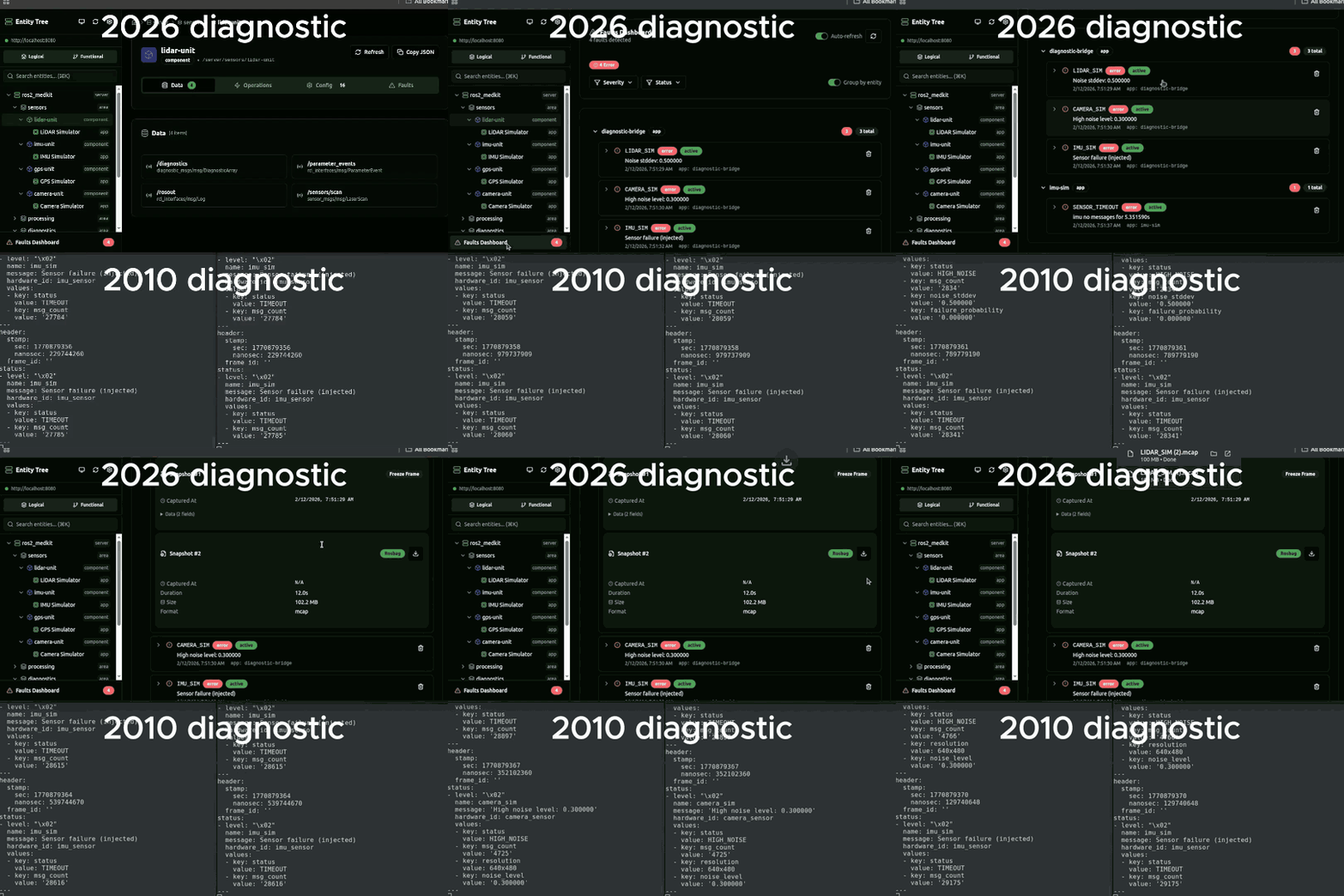
A fault fires at 2 AM. It is gone by the time you SSH in.
That is the defining failure mode of running more than one robot. Not a crash. Not a hardware failure. Just a transient fault that nobody caught because nobody was watching, and by morning, the customer has already called.
ros2_medkit 0.3.0 gave your robot an HTTP interface. Version 0.4.0 gives your fleet the production layer - triggers, remote scripts, resource locking, log aggregation, and a full OpenAPI spec. Six capabilities that replace the SSH-and-pray workflow.
Condition-based triggers
Without medkit: Poll topics in a loop. Write a custom node that watches for thresholds. Hope it survives a restart.
With medkit: One POST request. The trigger persists across restarts via SQLite.
curl -X POST http://robot-01:8080/api/v1/apps/battery_monitor/triggers \
  -H "Content-Type: application/json" \
  -d '{
    "resource": "/api/v1/apps/battery_monitor/data/voltage",
    "trigger_condition": {
      "condition_type": "EnterRange",
      "lower_bound": 0,
      "upper_bound": 22.0
    },
    "multishot": true,
    "persistent": true,
    "lifetime": 86400
  }'
The trigger fires when battery voltage drops below 22V. Set persistent: true and it survives gateway restarts via SQLite. Events stream over SSE at the event_source URI returned in the response.
Remote diagnostic scripts
Without medkit: scp diagnostic.sh robot-03:/tmp/ && ssh robot-03 'bash /tmp/diagnostic.sh'. No timeout. No audit trail. Hope the script does not hang.
With medkit: Upload, execute, get structured results back. Timeout enforcement and concurrency control included.
# Upload a diagnostic script (multipart form)
curl -X POST http://robot-03:8080/api/v1/apps/lidar_driver/scripts \
  -F "file=@check_lidar_health.sh"

# Execute it
curl -X POST http://robot-03:8080/api/v1/apps/lidar_driver/scripts/check_lidar_health/executions \
  -H "Content-Type: application/json" \
  -d '{"execution_type": "now"}'

# Get execution status
curl http://robot-03:8080/api/v1/apps/lidar_driver/scripts/check_lidar_health/executions/exec_001
{
"id": "exec_001",
"status": "running",
"progress": 50,
"started_at": "2026-03-23T02:14:33Z",
"completed_at": null
}Every execution is tracked with status, progress, and timestamps. The backend is plugin-extensible - swap in a containerized runner, a sandboxed environment, or your own execution engine.
Resource locking
Without medkit: "Hey, are you doing anything on robot 3?" Two engineers change the same config. One overwrites the other. Nobody knows until the robot behaves strangely.
With medkit: Session-tracked, auto-expiring locks on any entity.
# Acquire a lock on the navigation config
curl -X POST http://robot-03:8080/api/v1/components/navigation/locks \
  -H "Content-Type: application/json" \
  -H "X-Client-Id: engineer-alice" \
  -d '{
    "lock_expiration": 300,
    "scopes": ["configurations"]
  }'
{
"id": "lock_1",
"owned": true,
"scopes": ["configurations"],
"lock_expiration": "2026-03-23T02:20:33Z"
}Any mutating operation on a locked entity requires the same X-Client-Id. The lock auto-expires after the TTL, so a dropped session does not leave a resource permanently locked. Scope control via manifest lets you define which entities are lockable and which are always open.
Log endpoints
Without medkit: journalctl on 4 nodes across 3 namespaces. Or just driving to the site.
With medkit: Two API endpoints. /rosout gives you a ring buffer of recent messages. /logs gives you aggregated logs with area and function-level filtering.
# Logs for a specific component, filtered by severity
curl "http://robot-01:8080/api/v1/apps/nav2_planner/logs?severity=warning"
{
"items": [
{
"timestamp": "2026-03-23T02:14:33Z",
"level": "WARNING",
"message": "Planning failed: start pose outside global costmap bounds",
"logger_name": "/nav2_planner"
}
]
}Logs are per-entity. Query a component and get its logs; query an area and get aggregated logs from all contained components. The log backend is a plugin interface - the default stores a ring buffer in memory from /rosout. Swap in OpenTelemetry, ELK, Loki, or your own pipeline - the REST API stays the same.
Multi-collection SSE
Version 0.3.0 introduced SSE for topic data. Version 0.4.0 extends cyclic subscriptions to stream faults, logs, configurations, and update status through a single event source.
# Create a cyclic subscription on fault data
curl -X POST http://robot-01:8080/api/v1/components/lidar_driver/cyclic-subscriptions \
  -H "Content-Type: application/json" \
  -d '{
    "resource": "/api/v1/components/lidar_driver/faults",
    "interval": "normal",
    "duration": 3600
  }'

# Stream events (SSE)
curl http://robot-01:8080/api/v1/components/lidar_driver/cyclic-subscriptions/sub_001/events
Subscriptions work on any collection: data, faults, configurations, logs, or vendor extensions. One SSE connection per subscription, real-time updates, no polling loops.
OpenAPI 3.1.0
The gateway now serves its own spec at /api/v1/docs with built-in Swagger UI. Named schemas, clean operation IDs, full request/response examples.
# Open the Swagger UI in your browser
open http://robot-01:8080/docs

# Download the OpenAPI spec for client generation
curl http://robot-01:8080/api/v1/docs -o ros2_medkit_api.json

# Generate a typed Python client
openapi-python-client generate --path ros2_medkit_api.json
Every endpoint documented in this article is in the spec. Generate a typed client in Python, TypeScript, Rust, Go - any language with an OpenAPI code generator.
The plugin architecture
All six features share the same extension pattern. ros2_medkit uses a layered merge pipeline for entity discovery, where plugins contribute entities, enrich metadata, and process events.
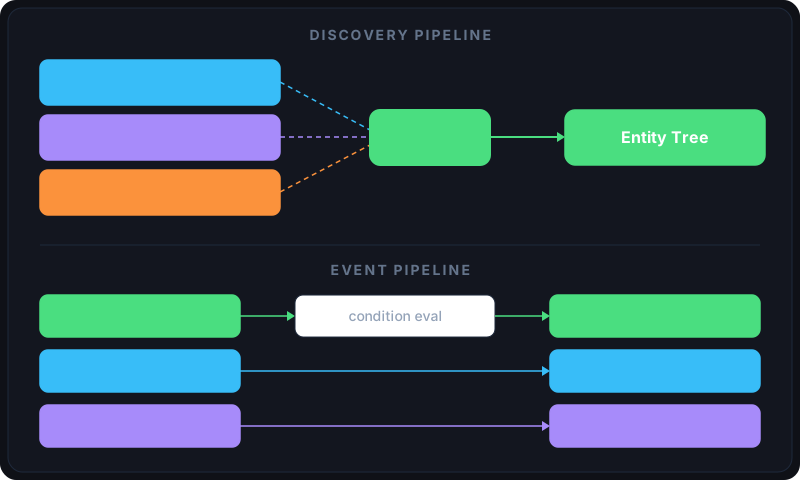
New in 0.4.0: the pipeline graph analysis plugin (visualizes node connections and data flow), beacon-based entity enrichment (discovers entities via multicast announcements), and Linux process diagnostics (surfaces CPU, memory, and file descriptor metrics for any process as SOVD entities).
The shift
| Pain point | Without medkit | With medkit |
|---|---|---|
| Transient fault at 2 AM | Gone before you SSH in | Trigger fires, webhook delivers, logs captured |
| Running a diagnostic | scp + SSH + manual execution | Upload script, POST /executions, status tracked |
| Config conflicts | "Are you on robot 3?" | X-Client-Id + lock_expiration, 409 if held |
| Reading logs | journalctl across N nodes | /logs API with area/function filtering |
| Building integrations | Reverse-engineer the API | /api/v1/docs serves OpenAPI 3.1 with Swagger UI |
| Monitoring events | One SSE stream for topics only | Cyclic subscriptions on any collection via SSE |
If 0.3.0 was "your robot can talk over HTTP," 0.4.0 is "your fleet can run without firefighting."
Get started
git clone https://github.com/selfpatch/ros2_medkit.git
cd ros2_medkit
pixi install && pixi run build
pixi run start
Open http://localhost:8080/docs for the Swagger UI, or http://localhost:8080/api/v1/docs for the OpenAPI spec. Every endpoint in this article is live and documented.
What this means for operations
Each capability removes a manual step from fleet operations. Triggers replace polling scripts. Remote scripts replace SSH sessions. Locks prevent config conflicts. Logs replace driving to the site. For a fleet scaling beyond a handful of robots, these are the capabilities that let you grow without proportionally growing the on-call team.
Need help adopting medkit in production?
The gateway is open source and ready to deploy. If your fleet needs custom triggers, protocol bridges, or integration consulting - get in touch.
See ros2_medkit in action: bridging VDA 5050 with SOVD diagnostics for AMR fleets, or unifying PLC and ROS 2 diagnostics via OPC-UA.